A mini date stamp speeds up routine marking only when the date format, placement, setting procedure, and filing control are consistent. By the end, you will know how to use one without creating ambiguous dates, missed receipt marks, unreadable impressions, or a false audit trail.
Key takeaways
- Check character height, separators, and year range before buying.
- Set the day, month, and year against a calendar before stamping.
- Stamp documents at receipt, then file them using the same date format.
- Choose a mini date stamp only when small, repeated date impressions fit your workflow.
What a Mini Date Stamp Actually Prints
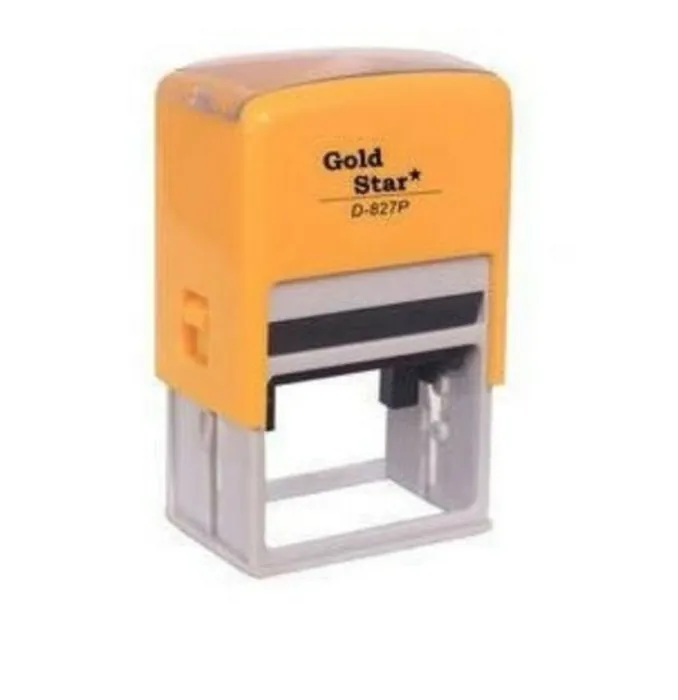
A mini date stamp usually prints an adjustable day, month, and year through numbered bands or a dial. It may use slashes, hyphens, spaces, or abbreviated months; some models also include a short status word. Check the character height, separator style, and year range before choosing one.
| Date format | Example | Best use | Main issue |
|---|---|---|---|
| DD/MM/YYYY | 03/04/2026 | Indian offices and records shared within day-first systems | Readers using month-first systems may read it as 4 March |
| MM/DD/YYYY | 03/04/2026 | US-based offices and systems using month-first dates | Readers elsewhere may read it as 3 April |
| YYYY-MM-DD | 2026-04-03 | Cross-border filing, sorting, and system-linked records | It may look less familiar on customer-facing paperwork |
| Month name | 03 APR 2026 | Forms read by people across different date conventions | It needs a stamp die with enough space for letters |
For shared or multi-site paperwork, use one standard and print it in the procedure, stamp artwork, and filing instructions. YYYY-MM-DD follows ISO 8601 and removes numeric ambiguity; 03 APR 2026 is also clear to human readers.
A stamped date shows when the mark was made, not necessarily when someone received, approved, reviewed, or dispatched the document. Add initials, a register entry, signature, or system timestamp when that event matters. Do not assume ordinary stamp ink will remain legible for a legal or financial retention period.
How to Set and Place the Date Without Creating Errors
Set the adjustable date stamp before touching the document batch. Confirm the day, month, year, separators, leading zeroes, and month abbreviation against your office standard. One team must not use 05/10/2026 for 5 October while another reads it as 10 May.
1. Turn each of the date stamp bands until every character is centred and fully visible. Check the year during January, the last day of each month, February 29 in a leap year, and the first day of the following month; the stamp will not correct these changes automatically.
2. Make one test impression on scrap paper. Reject the setting if a digit is faint, tilted, crowded, or missing a leading zero. Test again before stamping a full batch.
3. Use the reserved box on controlled forms. For invoices, applications, approval sheets, inward registers, dispatch records, and payment-supporting documents, keep the impression beside the label for received, reviewed, approved, or dispatched date.
4. For incoming papers without a reserved box, use clear margin space. Keep the mark away from printed text, barcodes, signatures, reference numbers, and machine-readable fields; poor date stamp placement can block scanning or obscure evidence.
5. Stamp once, then route the document under your defined office document stamping procedure. A date impression records marking, not receipt or approval, so pair sensitive records with initials, a log, or an electronic audit trail.
A Receiving-to-Filing Workflow That Keeps Dates Consistent
Use one controlled document control workflow for every hand-off: identify the event, apply the approved date mark, record it, and route the document. A received date stamp records the marking date, not proof that reception occurred, so pair it with a receipt register, initials, or a system timestamp.
1. Reception checks the document for its sender, reference number, and page count. Stamp “Received” in the reserved margin without covering a signature, barcode, invoice number, or other evidence.
2. The receptionist enters the same date, reference number, and operator initials in the receipt register. Assign a tracking number if the document needs follow-up.
3. Accounts records its own event, such as “Entered” or “Verified,” in a separate reserved field. Never replace the received date with the processing date.
4. Dispatch marks outgoing records with “Dispatched” and the dispatch date, then records the recipient, courier or channel, and reference number. This separates proof of sending from proof of receipt.
5. Records staff check the stamp, register entry, initials, and document tracking status before filing. Flag missing marks or duplicate entries immediately.
Use one date format and one placement rule at every site. YYYY-MM-DD avoids numeric ambiguity; reset the stamp at each day, month, and year change, including February 29. Restrict access when the dates support approvals, payments, or disputes.
When a Mini Date Stamp Helps—and When It Does Not
Choose a mini date stamp when you mark many papers in the same small area and need faster, more consistent impressions than handwriting. Compare the alternatives by speed, space, control, and the evidence the mark creates.
| Option | Strength | Trade-off |
|---|---|---|
| Handwriting | Flexible and needs no equipment | Slower, harder to read, and inconsistent between users |
| Mini self-inking date stamp | Clean, quick repetitive marking in a compact space | Integrated pads need the correct replacement, and the small impression has limited room |
| Larger date stamp | Easier to read and suitable for forms with ample blank space | Covers more paper and feels cumbersome on invoices or narrow registers |
| Pre-inked date stamp | Delivers a sharp impression with less pressure | Refilling requires compatible ink, and the unit can cost more to maintain |
| Digital timestamp | Creates searchable system records with user and time data | Requires an electronic workflow and does not mark a paper copy by itself |
Use a larger or pre-inked stamp when readability matters more than footprint or when a batch needs prominent marking. Select digital timestamps for controlled approvals, dispatch tracking, or audit-sensitive work.
A stamp records when someone marked the paper, not when the office received, reviewed, or approved it. Those events need initials, a log, or a system record. Remember the date stamp limitations: it is not tamper-evident, and an unverified impression does not prove document history.
Impression Quality, Refills, and the Right Buying Check
Legible impressions depend on matching the stamp to the paper and workload, not on choosing the smallest body. Test a sample: digits must be sharp, edges complete, and ink must not smear after drying. Press straight down; rocking, a dirty die, a dry pad, or excess ink creates broken or swollen characters.
Before buying, check:
- Impression size: Keep the date readable at the intended position. Do not compress long department names, signatures, or status text into a tiny die; use a separate initials or status stamp.
- Ink system: Choose a self-inking model for repetitive work, or a separate-pad design when you need more control over pad and ink selection.
- Refill design: Confirm that it has a replaceable ink pad, and check the maker’s refill specification before ordering.
- Volume and control: Estimate daily impressions, then require operator initials, access control, a sequential log, or an electronic audit trail where users could alter dates.
Confirm stamp ink compatibility before using a refill. Water-based ink for porous paper is not a substitute for solvent- or oil-based ink on plastic or coated sheets. Ordinary office ink is not automatically archival stamp ink. For retained legal, financial, or quality records, ask Sun Graphics to confirm permanence, paper compatibility, and the retention requirement.
Related product
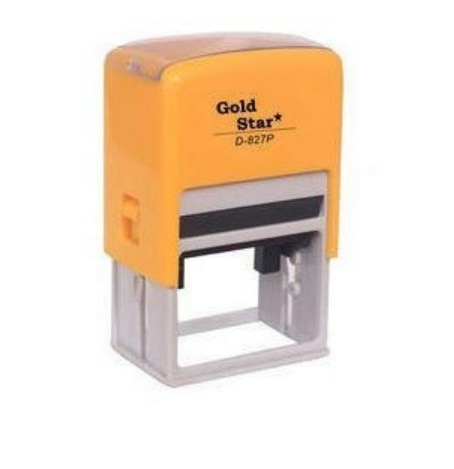 | Stamp ₹78 Mini Date Stamp View product → |
Frequently asked questions
What does a mini date stamp print?
It prints an adjustable day, month, and year using numbered bands or a dial. Some models also print a short status word.
How do you set a mini date stamp without errors?
Set the day, month, and year carefully, confirm the separator style, and test the impression on scrap paper before stamping a document.
How can a date stamp keep receiving and filing consistent?
Stamp documents when they arrive, use one date format across the office, and file them according to that recorded date.
When is a mini date stamp the wrong choice?
It is the wrong choice when you need long text, multiple fields, large impressions, automatic time records, or a digitally searchable audit trail.
What should you check before buying a mini date stamp?
Compare character height, date format, separator style, year range, ink type, refill availability, and the clarity of a test impression.