A changing lot, expiry date, or shift code creates a control problem that a fixed stamp cannot solve without repeated plate changes and manual checks. You will be able to judge whether an industrial coder fits your line, compare it with other marking methods, select the right ink and data format, and test the complete setup before production starts.
Key takeaways
- Use an industrial coder when production data changes faster than plates or packaging versions.
- Match coding technology and ink to the product surface, speed, and required mark durability.
- Lock product, batch, and date fields before releasing a production code.
- Test readability, adhesion, and scan performance before approving the line setup.
When changing production data makes a printer necessary
An industrial coding printer earns its place when production data changes often enough that manual plate changes or separate packaging versions create more risk than the equipment costs. The advantage is not simply a cleaner mark; it is removing opportunities to enter the wrong batch coding or date coding.
Choose a printer when one or more of these conditions apply:
- You run several products, recipes, shifts, or expiry periods on the same line.
- Each batch needs a different lot number, production date, expiry date, serial number, or shift code.
- Traceability requires you to identify the exact production lot behind a complaint or recall.
- Stock rotation depends on a clear expiry date that operators cannot afford to misapply.
- Frequent changeovers make plate replacement, cleaning, and checking slow.
- A wrong code could cause rework, a customer rejection, warranty dispute, or product recall.
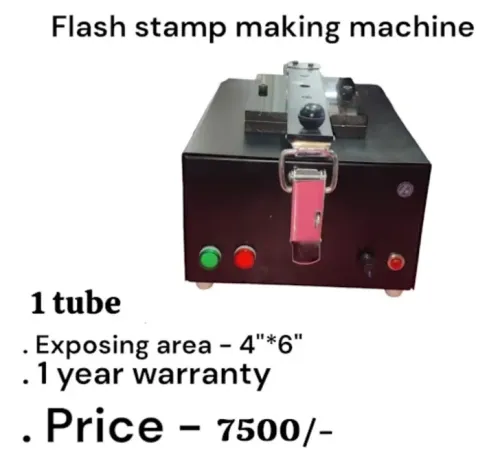
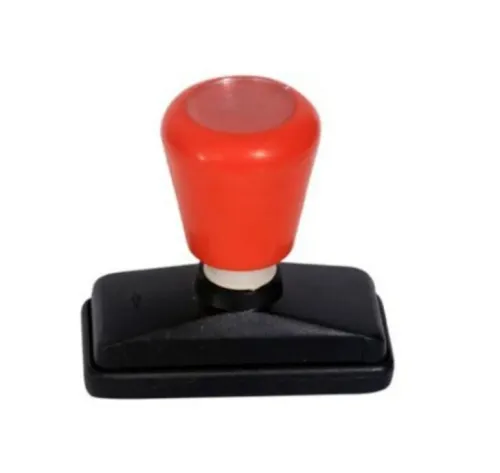
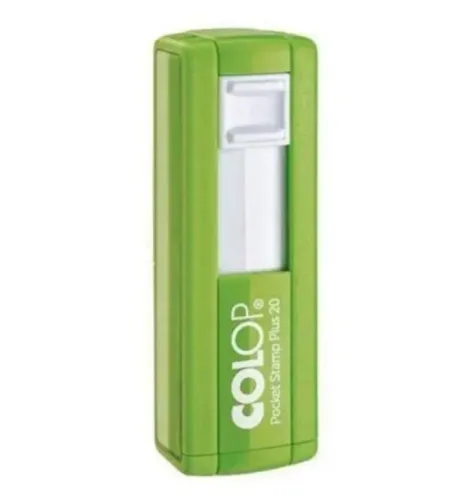
A hand stamp or fixed rubber die remains practical for small volumes using one controlled message, especially when labor is available for plate changes and a second person checks every setup. Pre-printed packs suit stable products with long runs, but they become wasteful when artwork changes or obsolete stock must be discarded.
The strongest case for an industrial printer is a controlled data link: approved product recipes supply the lot and date, operators have limited editing rights, and the system records changes.
A printer that produces a plausible wrong code is more dangerous than one that stops, so require confirmation after product or reel changes and define what happens after a jam or restart.
Which coding method fits the product and production volume
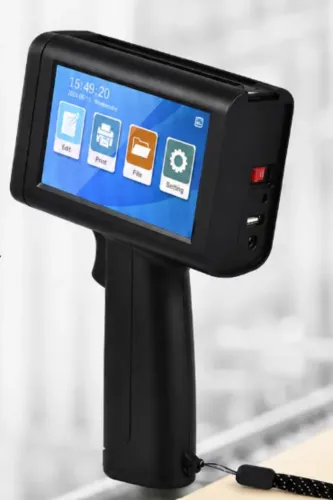
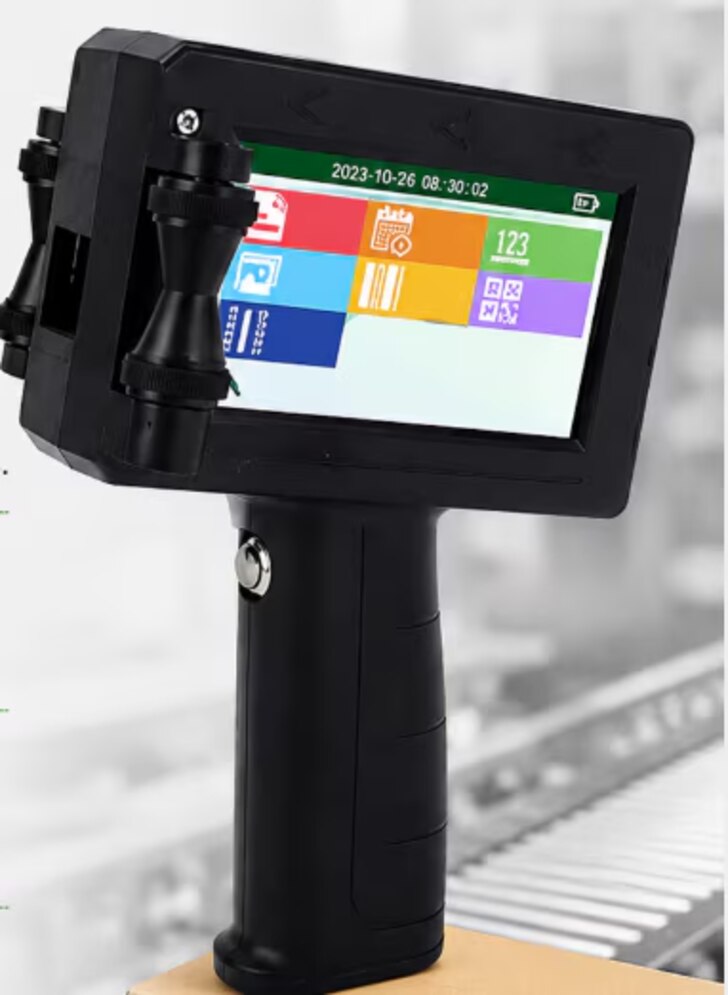
Choose the method by product surface, line speed, message, and the cost of a wrong code—not by printer price alone. A handheld TIJ printer suits samples, short runs, and low-volume packing where an operator controls placement; a fixed online batch coder suits repeatable conveyor production and automatic date or lot changes.
| Option | Best fit | Main limitation |
|---|---|---|
| Handheld TIJ printer | Cartons, labels, samples, short runs | Operator speed and placement limit consistency |
| Fixed online batch coder | Integrated lines needing automatic, repeatable codes | Requires mounting space, triggering, and setup |
| Thermal transfer overprinter | Flexible film and pre-made pouches; dates, lots, barcodes, graphics | Ribbon waste, wrinkles, tension, registration, and film-coating problems |
| Continuous inkjet printer (CIJ) | Fast, non-contact coding on bottles, cans, cartons, cables, and moving products | Solvent handling, printhead cleaning, and ink-viscosity control |
| Laser coder | Permanent marks on suitable coated or rigid surfaces | Higher installation cost, extraction needs, and substrate limits |
| Labels | Variable information when direct printing is difficult | Label stock, applicator maintenance, adhesion, and peeling |
| Pre-printed packaging | Large volumes with unchanged artwork and code | Obsolete stock when dates, lots, or products change |
For high-speed lines, check products per minute, encoder requirements, print height, message length, resolution, and available mounting space. Use pre-printed packs or a stamp only when volume and product variety are low; frequent changeovers, traceability, and recall risk justify automation. Test the actual substrate at startup, running temperature, condensation, dust, and washdown conditions before choosing.
How to match the coder, ink, and line to the application
A usable mark depends on the line, substrate, ink, and environment—not the printer’s headline speed. Test the exact message, barcode, print height, resolution, and message length on the actual product at the actual line speed; characters-per-second figures ignore product gaps, encoder accuracy, and trigger timing.
Conveyor integration needs a product sensor, speed encoder, recipe interface, reject confirmation, and defined recovery after stops, jams, and missed triggers.
| Material or surface | Suitable starting point | Check before approval |
|---|---|---|
| Corrugated carton or paper label | Water-based ink or thermal inkjet | Absorption, drying time, and rub resistance |
| Coated film or flexible laminate | Thermal transfer or solvent-based inkjet | Surface energy, adhesion, and seal-bar heat |
| Plastic bottle, glass, or metal can | Solvent-based inkjet or laser | Curvature, condensation, contrast, and permanence |
| Heat-sensitive film | Thermal transfer | Ribbon transfer without distortion or barrier damage |
Position the printhead close to the product when using thermal-inkjet. Dust, fibres, condensation, low surface energy, and excessive throw distance can turn a sharp sample into a smeared production code. Confirm low-ink or low-ribbon alarms, printhead guarding, mounting clearance, and restart behaviour.
Assess the installation at startup, normal running temperature, cleaning or washdown, and the coldest or wettest product condition. Laser coding removes ink but still requires extraction, guarding, interlocks, contrast testing, and checks for film perforation, discoloration, or barrier damage. Vibration and product movement also cause registration and barcode failures.
How to create and run an accurate production code
Prevent wrong codes by treating each run as a controlled setup, not an operator typing exercise. Use an approved product record as the source for the batch number format, manufacture date, expiry-date calculation, shift code, and message layout.
1. Select the product and work order in the production system, then load the matching printer recipe. Restrict manual editing of dates, lot numbers, and expiry periods.
2. Check the product master against the job sheet. Confirm the shelf-life rule, date format, batch number format, shift code, barcode data, and print position.
3. Clear the line of the previous product, packaging, labels, and loose components. Inspect the hopper, conveyor, printer, and reject area so the old code cannot enter the new run.
4. Enter or scan the batch and start data once. Test the date rollover at midnight if the run crosses midnight, and confirm that the expiry-date calculation follows the approved shelf-life rule rather than the operator’s guess.
5. Print samples on the actual product or packaging at production speed. Compare every character, including zeros, separators, lot suffixes, and shift code, with the signed job record.
6. Require a second-person confirmation before release. Record the recipe, operator, time, sample approval, and any changes in the audit trail.
Keep the first approved sample at the line and inspect codes after changeovers, reel changes, and interruptions. A printer firing successfully does not prove that the mark is readable or correct; use a camera or barcode verifier to alarm, stop, or reject failures when traceability demands it.
How to prove the code works and calculate the real cost
A printer’s successful-fire message proves only that it fired. It does not prove that the mark is complete, readable, correctly dated, or linked to the right batch.
1. Run supplier trials on your fastest line, longest message, smallest print, darkest substrate, and poorest representative surface. Keep samples from startup, steady running, reel changes, and shutdown.
2. Test code inspection after printing. A camera should detect missing, blurred, low-contrast, misplaced, and wrong-data marks; a barcode verifier should measure whether the barcode meets the required grade. Test dirty, curved, reflective, and freshly opened packs, not just clean samples.
3. Ask how the system locks approved product recipes, expiry calculations, lot numbers, and shift codes. Require restricted editing, confirmation after a product or reel change, and an audit trail when traceability demands it.
4. Check line clearance procedures, changeover records, reject handling, spare-part availability, service response, cleaning intervals, and training. When comparing suppliers such as Sun Graphics, request these operating details rather than relying on print samples alone.
Calculate accepted code cost as total operating cost divided by saleable, readable packs: ink, solvent, makeup fluid, ribbon or cartridge, cleaning, purge waste, rejects, maintenance, downtime, and labour all belong in the calculation.
An automated coder can cost more than it saves when you run few batches, change one controlled plate infrequently, have spare labour, and face little recall or miscode risk. Its benefit grows with frequent changeovers, many products, fast lines, traceability, and expensive wrong codes.
Related products
 | Handheld Inkjet Printer G-10 PRO TIJ Industrial Coding Printer G-10 PRO TIJ Industrial Coding Printer The G-10 PRO is a next-generation Thermal Inkjet (TIJ) coding and marking solution designed for high-speed... View product → |
 | Handheld Inkjet Printer G-35 SMART TIJ Handheld Coding Printer G-35 SMART TIJ Handheld Coding Printer The G-35 SMART is a compact and intelligent Thermal Inkjet (TIJ) printing solution designed for easy,... View product → |
Frequently asked questions
When does changing production data justify an industrial coding printer?
It becomes useful when frequent batch or date changes make manual plate changes or separate packaging versions prone to entry errors.
How do you choose a coding method for a production line?
Compare the product surface, required mark, line speed, production volume, and durability needed before selecting a coding method.
How do you match the coder and ink to the application?
Match the printer and ink to the substrate, surface condition, line speed, drying time, mark size, and resistance requirements.
How can you verify that a production code works?
Run production samples and check the code for accuracy, readability, adhesion, durability, and reliable scanning before approval.
Related products
 | Handheld Inkjet Printer G-11 BODY Handheld Inkjet Printer ₹8000 High Performance Coding Solution The **G-11 BODY Handheld Inkjet Printer** is a powerful and reliable coding solution designed for modern industries... View product → |
 | Handheld Inkjet Printer G-20 ECO TIJ Coding Printer The G-20 ECO is a reliable and cost-effective Thermal Inkjet (TIJ) coding solution designed to deliver high-quality... View product → |
 | Handheld Inkjet Printer G-28 MASTER Handheld Inkjet Printer ₹5600 Advanced Coding & Marking Solution The G-28 MASTER Handheld Inkjet Printer is a powerful and portable printing solution designed for high-quality... View product → |
 | Handheld Inkjet Printer G-05 MINI Handheld Inkjet Printer ₹5100 High Resolution Printing Solution The **G-05 MINI Handheld Inkjet Printer** is a compact and portable coding and marking solution designed for fast,... View product → |