A machine that handles ten small orders can still fail when three large corporate jobs arrive together, especially if its usable exposure area, setup time, and operator workload are unknown. By measuring your job mix and peak demand, you can compare flash, rubber, photopolymer, laser, and pre-ink systems on finished stamps per hour, total labour, quality, and ownership cost.
Key takeaways
- Separate total orders from peak demand and promised turnaround times.
- Choose the production process according to stamp types and job mix.
- Calculate tubes, exposure area, and cycle capacity from real order data.
- Use a break-even scorecard and acceptance test before purchase.
Measure demand before comparing machine models
Do not size a machine from monthly sales alone. Convert your order history into stamp production requirements by separating total volume from the busiest period and the promised turnaround time.
1. Count completed orders for the last four representative weeks, then calculate orders per day. Exclude cancelled orders and record rush jobs separately.
2. Calculate average stamps per order by dividing total stamps by total orders. For example, 40 orders per day multiplied by 1.8 stamps per order equals 72 stamps per day.
3. Measure peak-hour demand from your busiest normal two-hour period. If 25 orders arrive during that window and each contains 1.8 stamps, you need capacity for 45 stamps, or 22.5 finished stamps per hour, before allowing for setup and rework.
4. Set the required turnaround time for each order type. A same-hour service needs capacity for the peak queue; next-day work can use spare capacity across the day, provided unfinished jobs do not accumulate.
Add a realistic allowance for artwork checks, material loading, cleaning, rejected impressions, and short interruptions. A machine that barely meets 72 stamps per day on paper will create a queue when 45 stamps arrive in two hours.
Record standard and rush demand separately, then compare models against the busiest repeatable workload rather than the daily average.
Choose the production process that fits the job mix
A one-off logo and a 500-piece repeat order do not belong on the same production line. Compare total elapsed time, including artwork preparation, exposure, washing, curing, engraving, mounting, and cleanup—not the machine’s advertised cycle time.
| Option | What it means | When it applies |
|---|---|---|
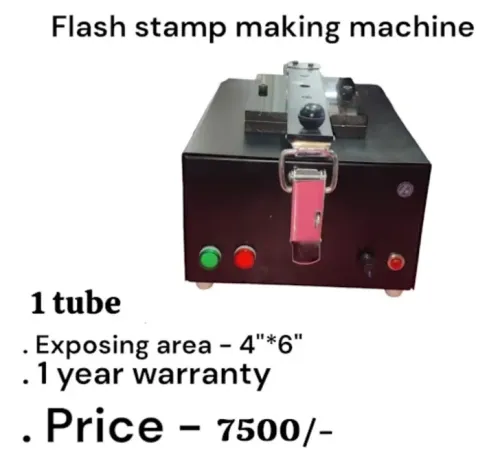
| Flash | A flash stamp machine exposes porous polymer that holds ink inside the stamp face. | Choose it for fast one-off names, addresses, signatures, and small-to-medium runs with frequent artwork changes. |
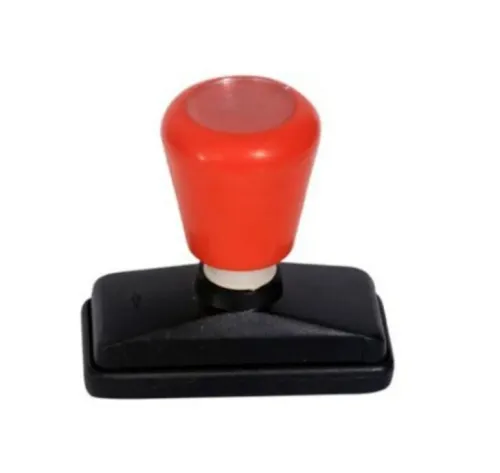
| Rubber | A rubber stamp machine cuts or vulcanises a separate rubber die, which then needs mounting and an ink pad. | Choose it for durable, heavily used stamps, bold artwork, and repeat batches where setup effort is spread across many units. |
| Photopolymer | Photopolymer stamp production exposes a plate, then washes out and cures the unexposed material. | Choose it for fine lettering, detailed artwork, and repeated designs where plate-based batching lowers cost per stamp. |
| Laser | CO2 laser engraving cuts the stamp face directly from suitable rubber. | Choose it for digital one-offs, rapid design changes, and eliminating film, plate, and exposure steps. |
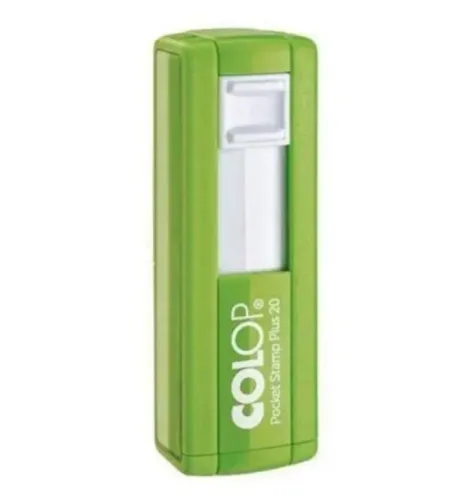
| Pre-ink | The porous die stores ink and produces a compact, clean stamp without a separate pad. | Choose it for signatures, logos, and frequent handheld use where mess-free operation matters. |
| Self-inking | The die flips onto an internal ink pad after each press. | Choose it for offices processing repeated documents and users who value speed over the smallest possible mount. |
Qualify the exact rubber sheet before buying. Hardness and thickness change engraving depth, edge sharpness, and residue; never laser PVC, vinyl, or unidentified plastic. For laser equipment, check enclosure interlocks, viewing-window rating, emergency stop, exhaust, and IEC 60825-1 classification.
Translate output needs into tubes, exposure area, and cycle capacity
Real throughput is finished stamps per hour, not the number printed on a lamp or motor specification. Calculate it from usable exposure area, stamps per batch, setup and cutting time, and the complete cycle from loading to ready-to-mount output.
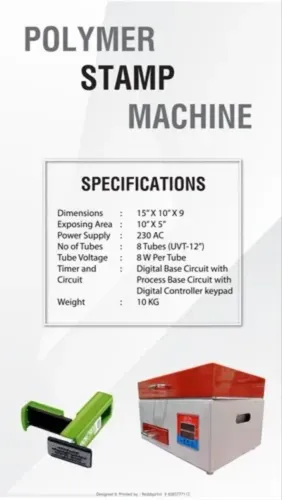
In tube-based flash equipment, a tube is an exposure lamp. More tubes do not automatically halve exposure time; they can improve coverage, uniformity, or the number of sheets exposed together when the chamber and usable exposure area support it.
| Option | Throughput effect | Operator and queue consequence |
|---|---|---|
| one-tube flash machine | Suits small batches; one exposure position limits concurrent work | Lowest entry capacity, but simple loading and fewer idle sheets |
| two-tube flash machine | Handles a larger batch or two planned exposures with less waiting | Reduces queue pressure when designs change frequently |
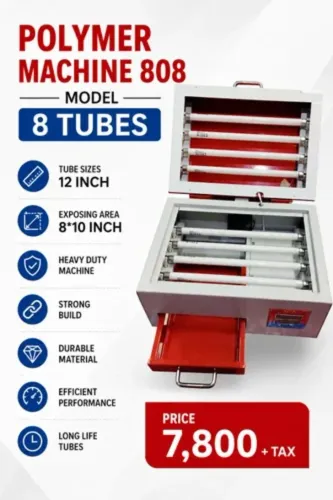
| eight-tube machine | Supports high-volume exposure across a larger working area | Needs enough daily orders to keep loading, cutting, and assembly occupied |
Measure output using the actual stamp footprint, not the machine’s outer bed size. A 25 mm stamp wastes less sheet area than a 75 mm stamp, so average size changes batch capacity directly.
Use this calculation:
- Batch output = usable exposure area ÷ area occupied per stamp, allowing gaps and margins.
- Hourly output = batch output × 60 ÷ total cycle minutes.
- Required capacity = peak-hour demand, plus time for cutting, mounting, rejects, and design changes.
If a two-tube machine exposes faster but still requires one manual cutting operation per sheet, it may deliver less finished output than an eight-tube machine with a larger usable area. Compare completed stamps, not exposure time alone.
Check quality, labour, utilities, and total operating cost
A profitable machine delivers the same readable impression after warm-up and through a queue of different files without turning skilled staff into full-time troubleshooters. Judge the complete workflow, not headline cycle time: flash equipment needs usable exposure area and uniformity, laser equipment needs cutting-depth control, and photopolymer equipment adds washout and curing.
For one-off designs, compare direct digital engraving with batch exposure by total elapsed time and operator steps; repeated artwork can reverse the result.
- Run a repeated-artwork test and inspect registration, engraved depth, face cleanliness, and impression strength.
- Measure artwork density: fine lettering and solid fills expose weak resolution, uneven energy, or clogged relief sooner than sparse designs.
- Record operator workload per stamp: file preparation, loading, cutting, assembly, washout, curing, cleaning, and rework. A fast cycle loses its advantage when one operator cannot feed it continuously.
- Price utilities and infrastructure: electrical load, compressed air, water, extraction airflow, filter type and replacement cost, ducting, and lawful exhaust discharge. For a laser, fan wattage is not an extraction specification.
- Verify laser enclosure, IEC 60825-1 classification, door interlocks and reset behaviour, viewing-window rating, emergency stop, and maintenance-mode controls. ISO 11553-1 covers laser-processing machine safety.
- Add lamp or tube replacement intervals, consumables, service visits, downtime, and machine maintenance cost to labour and energy. Divide the total by saleable stamps, not attempted cycles.
Use stamp quality control records to track rejects, repeat orders, and turnaround. Frequent cleaning or variable impressions can cost more than the purchase price, while extra capacity pays only when the job mix keeps it loaded.
Use a break-even scorecard and acceptance test before buying
Do not sign until the machine passes your jobs, not the supplier’s fastest sample. Give the supplier representative a scored trial using your own artwork, average stamp sizes, batch sizes, and peak-day queue.
1. Build a break-even scorecard. Record purchase price, installation, extraction, software, operator minutes, consumables, rejects, maintenance, and service travel. Compare direct digital engraving with plate or batch exposure using your actual setup time and number of stamps per design.
2. Run the same artwork repeatedly after warm-up. Count completed impressions per hour, then run several different files. Check registration, engraved depth, face cleanliness, file re-opening, queue recovery after an interruption, and impression consistency.
3. Write the machine acceptance test into the order. Set pass limits for cycle time, acceptable rejects, image dimensions, depth, and recovery after power loss. Reject a unit that meets headline speed but fails repeatability or job handling.
4. Inspect the installation requirements. Confirm earthing, power quality, ambient-temperature limits, loading space, service access, and engineered extraction with stated airflow, filter type, replacement cost, ducting, and lawful discharge.
5. Price warranty and service before comparing models. Ask for response time, parts availability, preventive-maintenance tasks, and technician travel charges. Sun Graphics can help you compare tube capacity against actual queue size, but make the supplier document every assumption.
Approve the purchase only when the tested throughput clears your peak-hour requirement and the ownership model reaches break-even within your target period. A low purchase price cannot rescue slow setup, unavailable consumables, or repeated rejects.
Related products
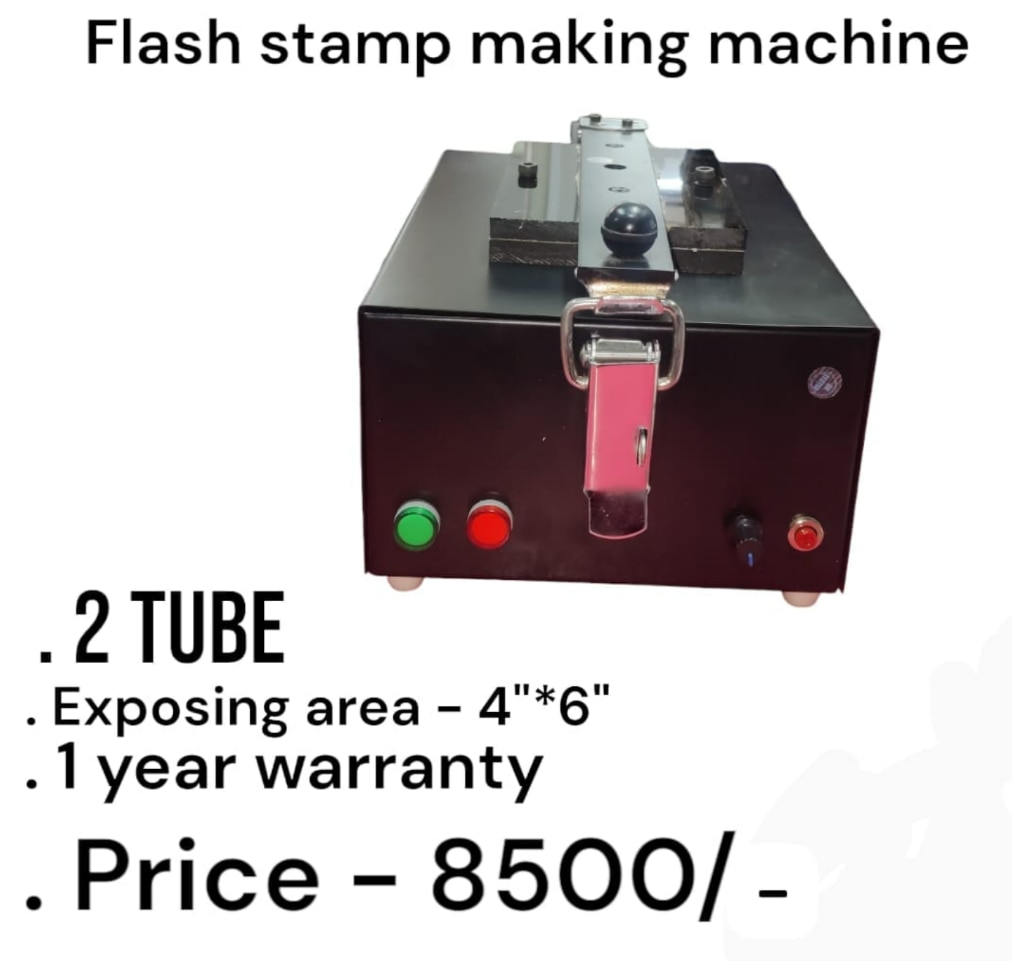 | Flash Stamp Making Machine ₹8500 2 Tube Model The 2 Tube Flash Stamp Making Machine is a reliable and efficient solution for manufacturing high-quality flash stamps quickly and... View product → |
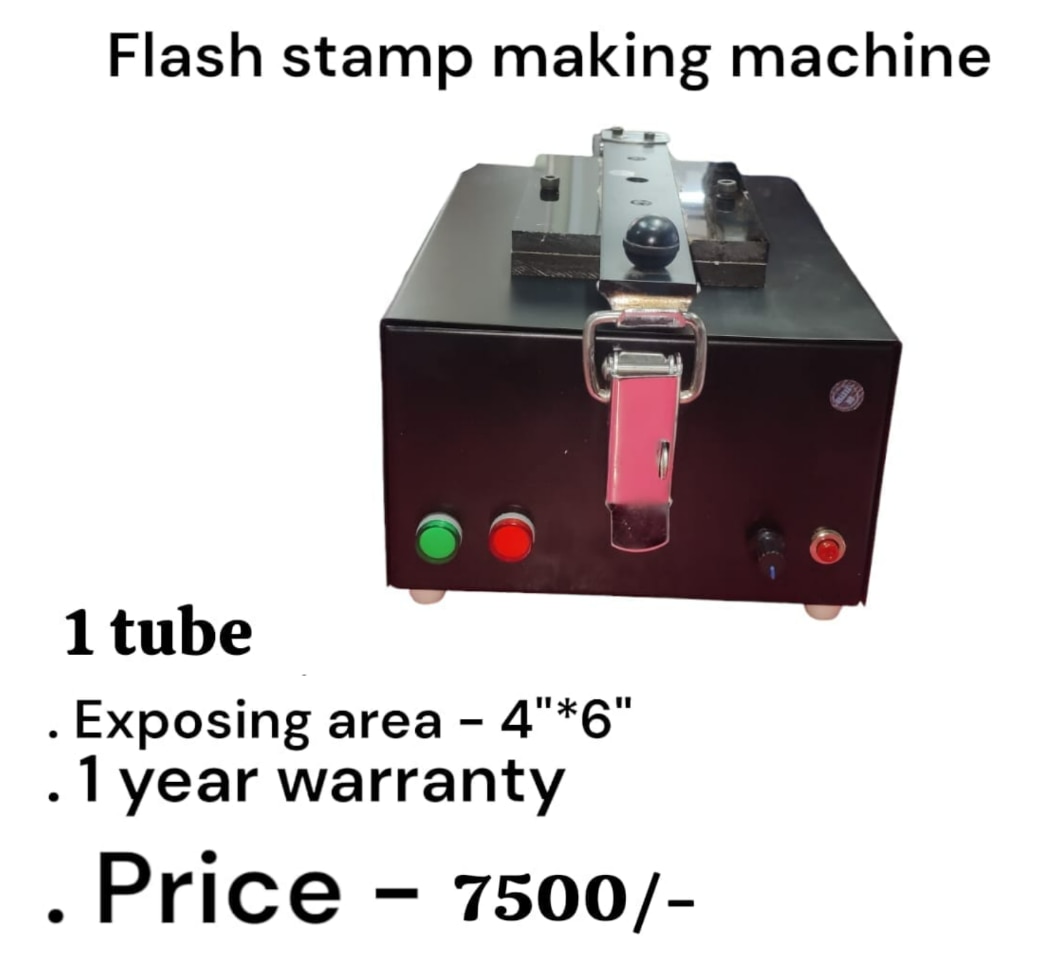 | Flash Stamp Making Machine Flash Stamp Making Machine 1 Tube Model ₹7500 Flash Stamp Making Machine (1 Tube) – Product Description Flash Stamp Making Machine – 1 Tube Model The 1 Tube Flash Stamp Making Machine is an... View product → |
Frequently asked questions
How do I measure demand before choosing a stamp-making machine?
Review order history by stamp type, quantity, busiest period, and promised turnaround time. Size the machine for peak workload rather than monthly sales alone.
Which stamp-making process should I choose?
Choose the process that matches your job mix, including stamp size, material, design detail, repeatability, and required finishing steps.
How do I convert production requirements into machine capacity?
Calculate the number of tubes or moulds, exposure area, and complete production cycles required during your busiest period. Compare those figures with the machine’s usable capacity and cycle time.
What should I check before buying a stamp-making machine?
Compare output quality, labour, utilities, consumables, maintenance, and downtime. Then use a break-even scorecard and run an acceptance test with representative jobs.
Related products
 | Flash Stamp Making Machine Automatic (2 in 1 Model) ₹13500 Flash Stamp Making Machine Automatic (2 in 1 Model) – Heavy Duty Automatic Flash Stamp Making Machine – 2 in 1 Model The Automatic Flash Stamp Making... View product → |
 | Rubber Stamp Making Machin ₹7800 inimum Order Quantity: 1 Piece Product Brochure Machine Type Rubber Stamping Machine Automation Grade Semi-Automatic Usage/Application STAMP MAKING... View product → |
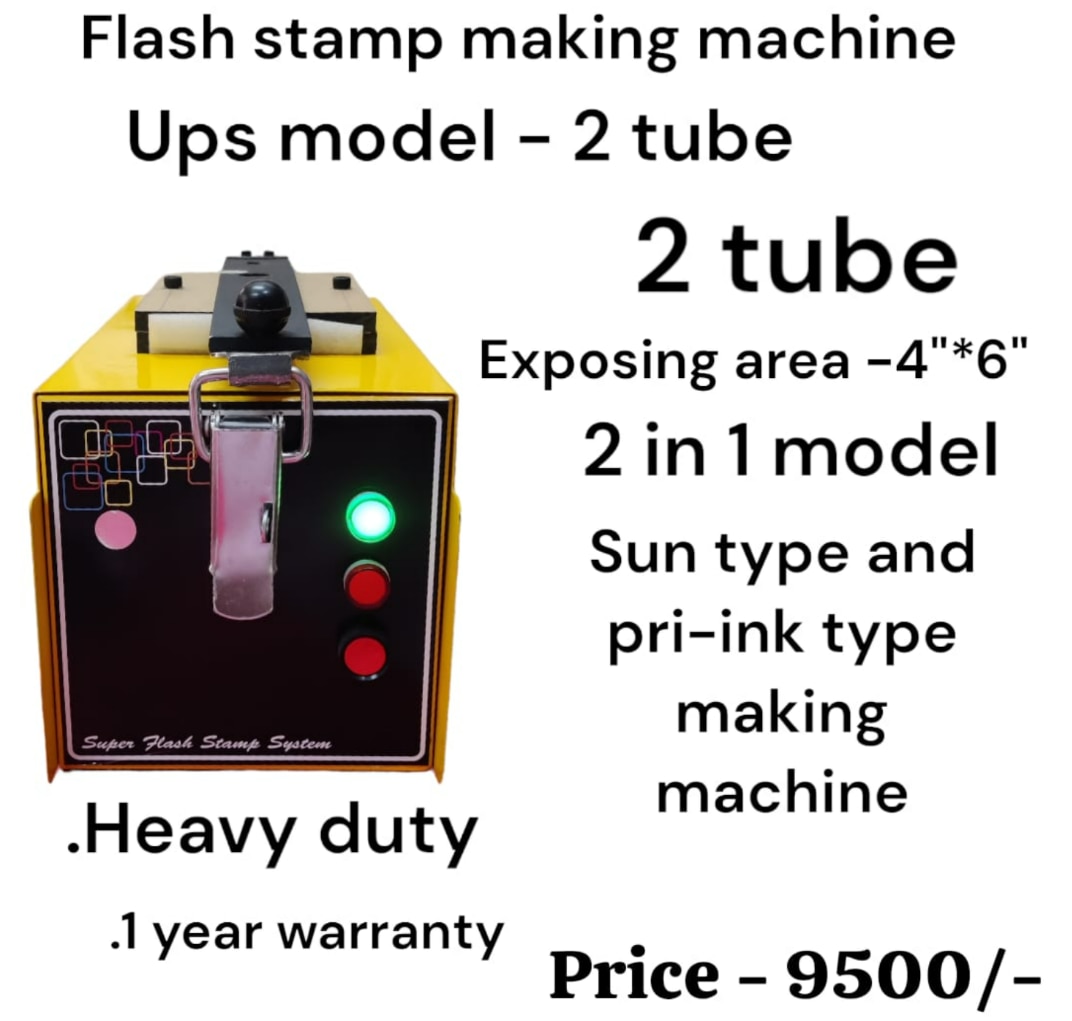 | Flash Stamp Making Machine Flash Stamp Making Machine (UPS Model – 2 Tube) ₹9500 Flash Stamp Making Machine (UPS Model – 2 Tube) Specification Details Product Name Flash Stamp Making Machine Model UPS Model – 2 Tube Type 2-in-1... View product → |
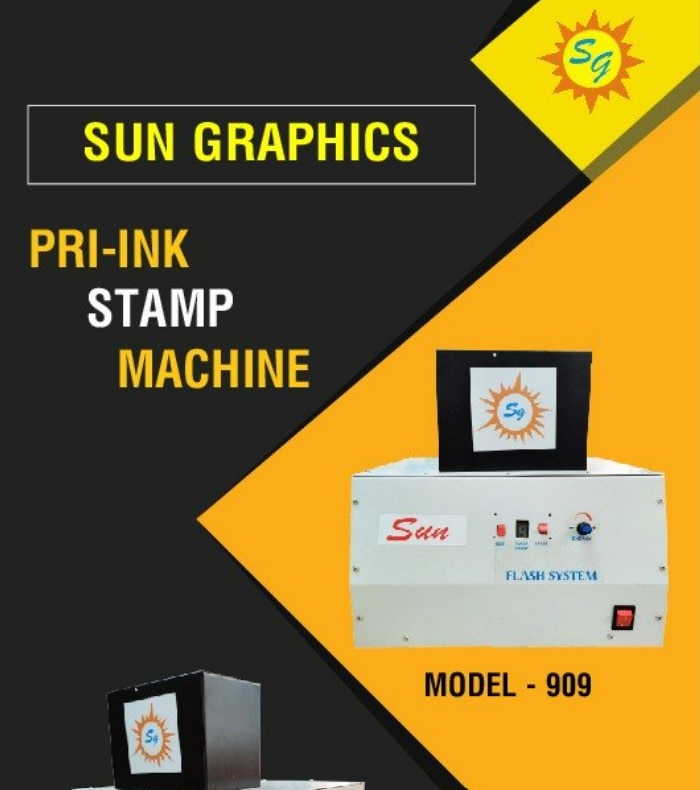 | Pre Ink Stamp Machine ₹13500 Sun Graphics is a supplier and dealer of Pre Ink Stamp Machines and flash stamp making systems in Delhi. View product → |